

Desktop PC Components Price in Bangladesh 2026
Desktop PC components price in Bangladesh at Sumash Tech covers everything needed to build or upgrade a desktop from scratch. This includes Processor, Motherboard, RAM, Graphics Card, SSD, HDD, Power Supply, Casing, CPU Cooler, plus Portable HDD and Portable SSD for external storage. Components are stocked from Intel, AMD, Asus, MSI, Corsair, Samsung, Western Digital, and many more trusted names.
Featured Components Across the Lineup
- Intel Core i5 14th Gen 14400 up to 4.70 GHz Processor: Priced at 30,799 BDT, discounted from 32,000 BDT, a genuinely capable processor for both everyday use and gaming builds.
- AMD Ryzen 5 5600G Desktop Processor with Radeon Graphics: Priced at 14,799 BDT, discounted from 15,000 BDT, built with integrated graphics, useful if you want to build a PC without buying a separate graphics card right away.
- PowerColor Fighter AMD Radeon RX 6500 XT 4GB GDDR6 Graphics Card: Priced at 18,499 BDT, discounted from 21,000 BDT, a solid entry level graphics card for 1080p gaming.
- Asus PRIME B760M-F Micro-ATX Motherboard: Priced at 14,999 BDT, discounted from 18,000 BDT, a dependable motherboard well suited to a mid-range Intel build.
- Asus TUF Gaming 850W 80 Plus Gold Power Supply: Priced at 20,199 BDT, discounted from 21,500 BDT, genuinely solid headroom for a gaming build with a dedicated graphics card.
Browse Components by Type
- Processor: The brain of your build, available from both Intel and AMD across a wide range of performance tiers.
- Motherboard: The foundation that ties every other component together, choose based on your processor's socket type.
- RAM: System memory for smooth multitasking, with more RAM helping heavier workloads like gaming and content creation.
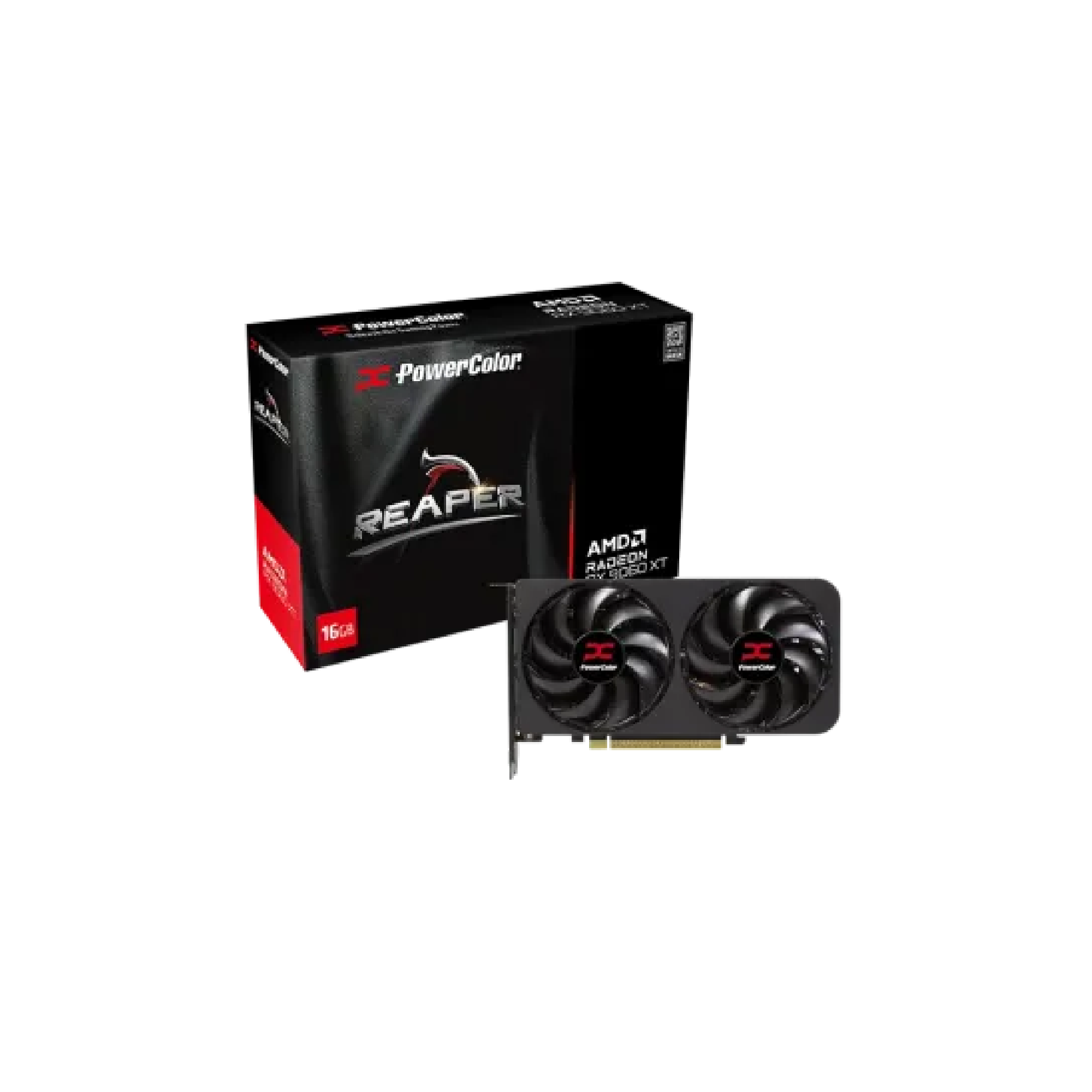
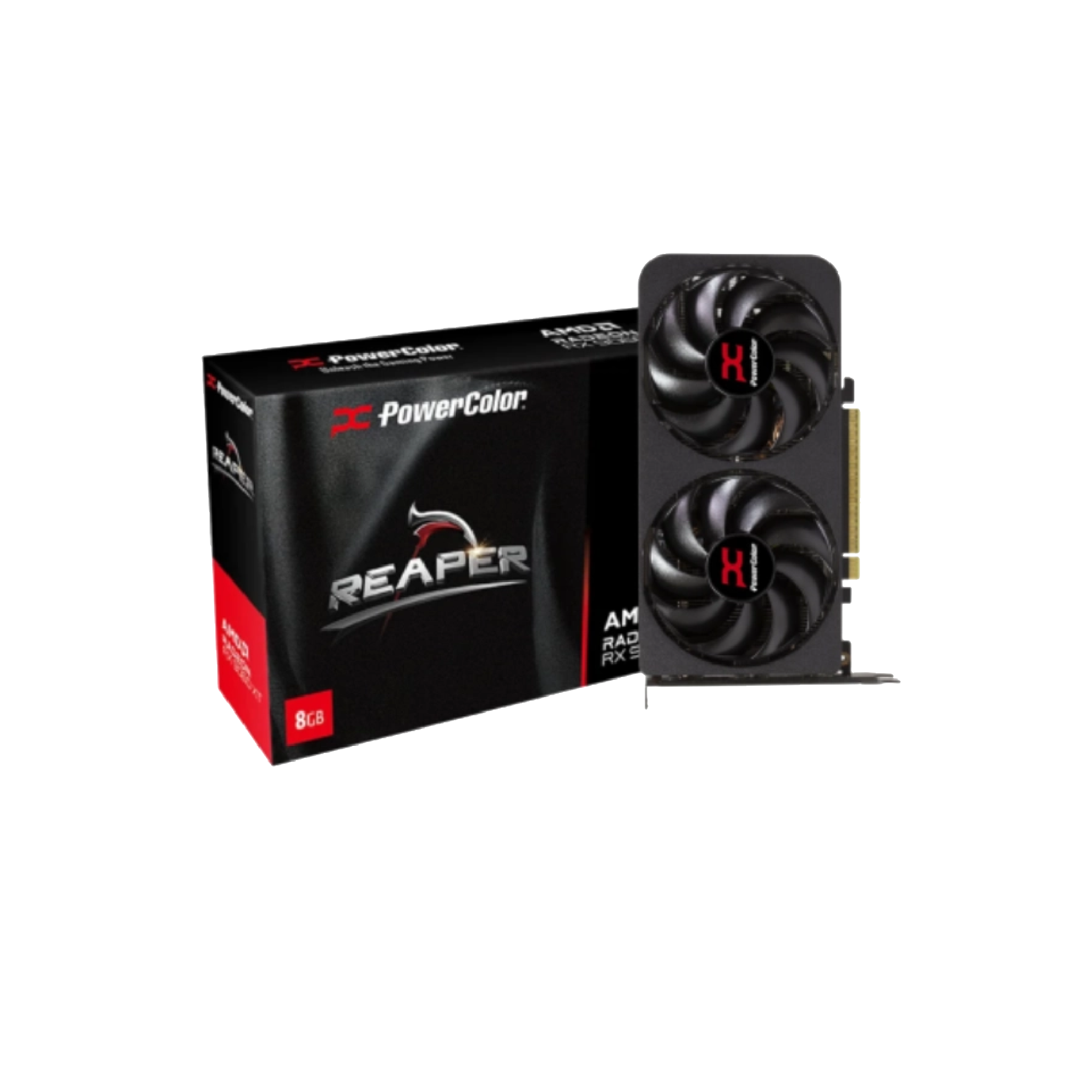
- Graphics Card: Essential if you plan to game or do graphics intensive creative work, since integrated graphics only go so far.
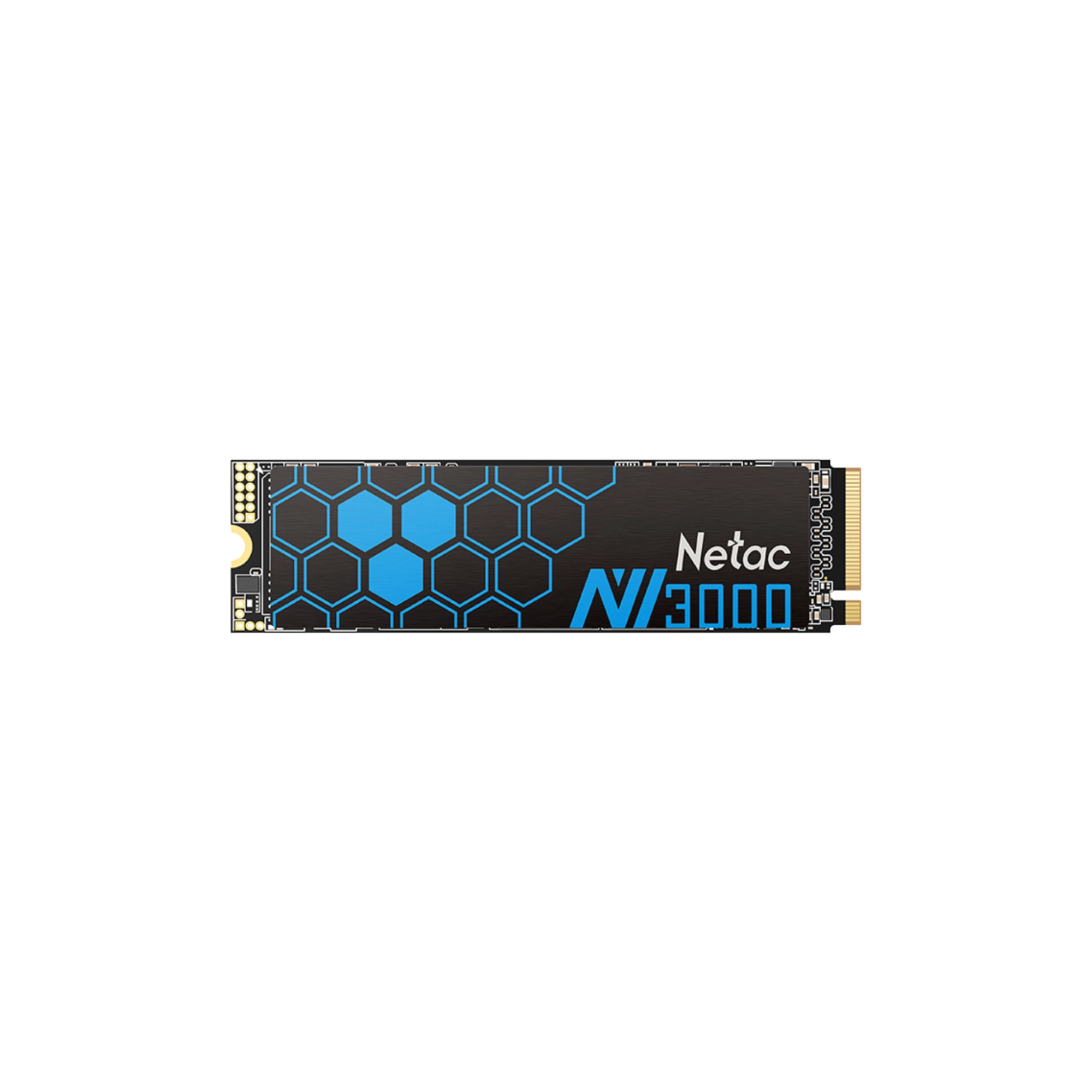
- SSD: Fast internal storage that noticeably speeds up boot times and application loading compared to a traditional hard drive.
- HDD: Affordable, high capacity storage well suited to large files and backups where speed matters less.
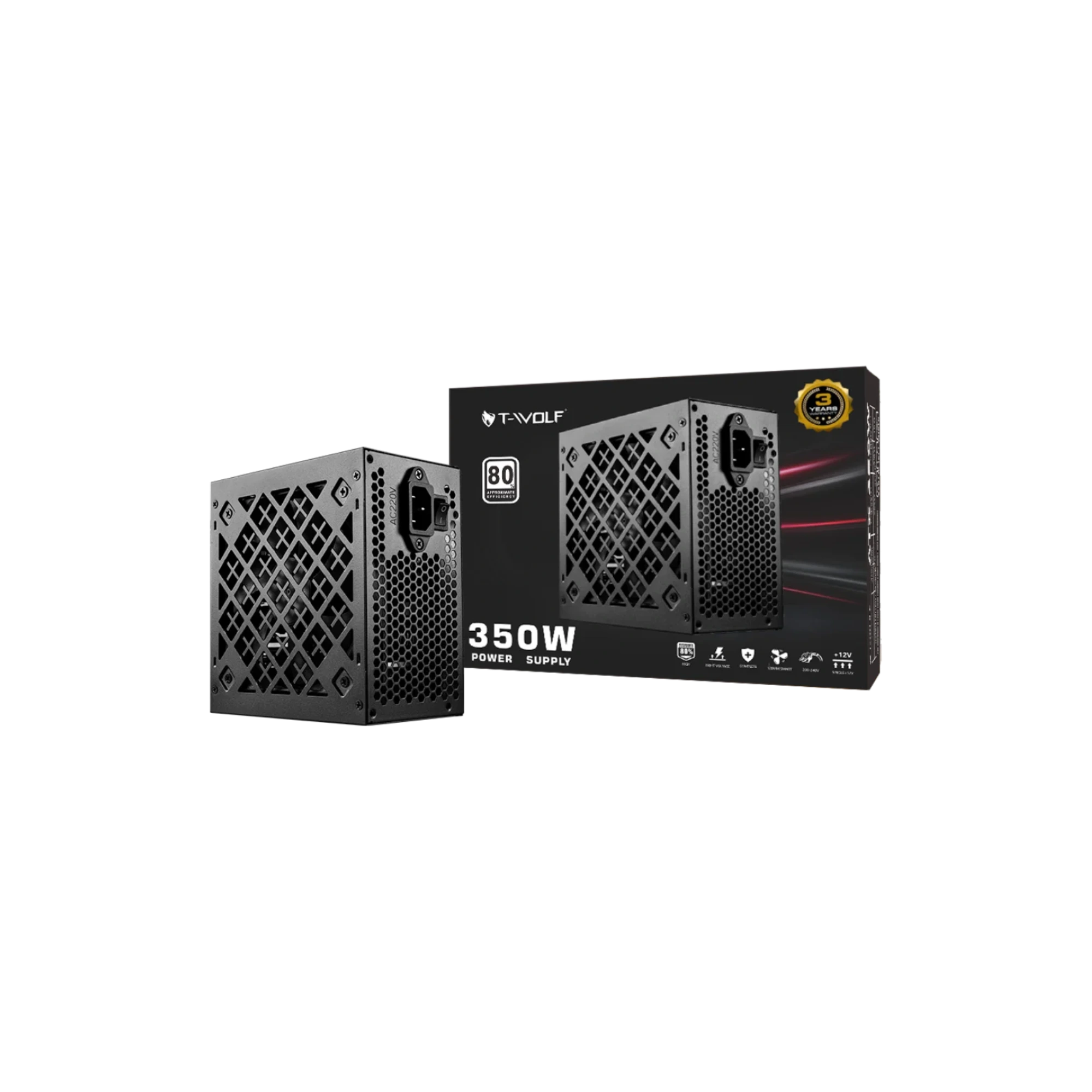
- Power Supply: Powers your entire build, so choosing enough wattage for your components matters more than most people expect.
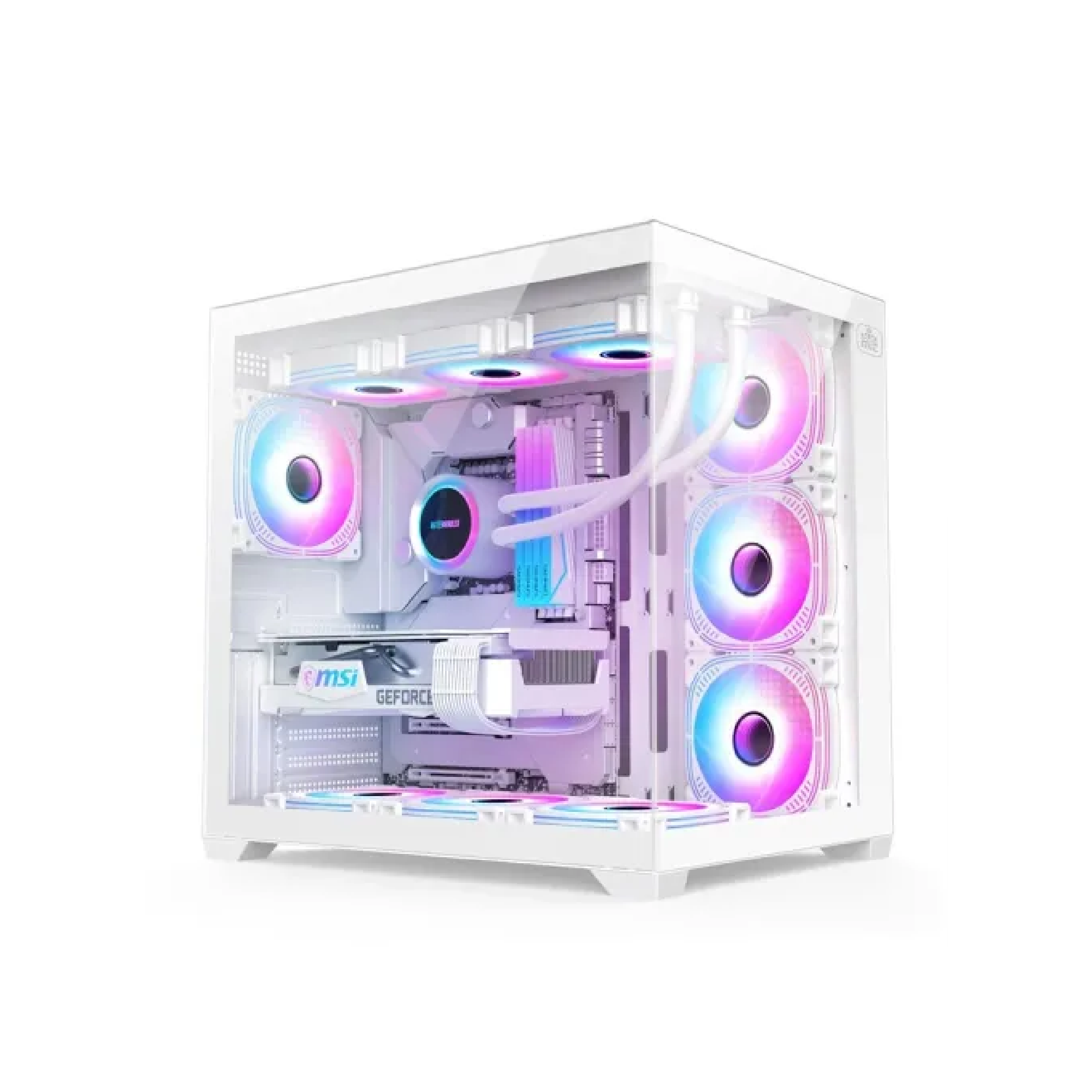
- Casing: Houses and protects your components while also affecting airflow and cooling.
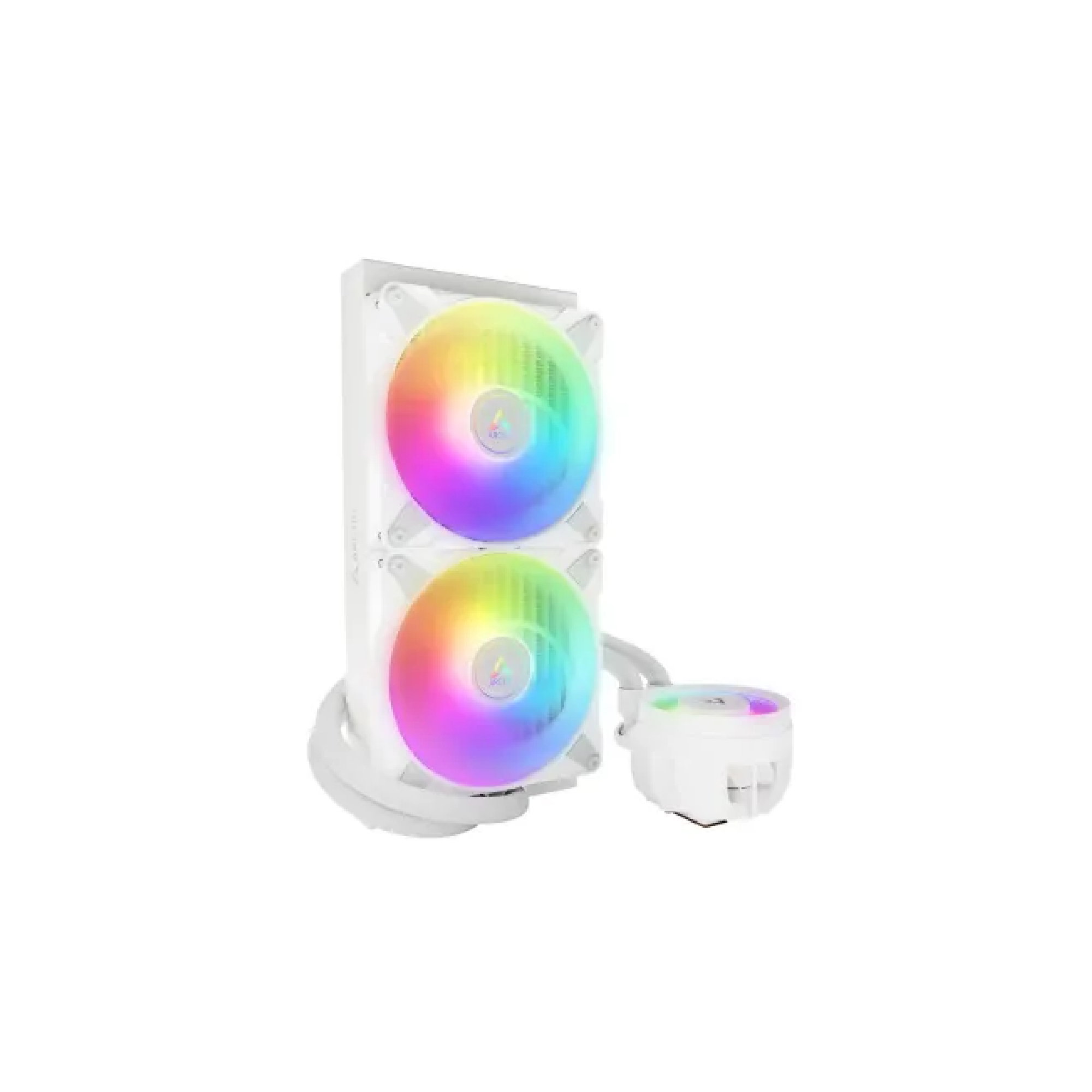
- CPU Cooler: Keeps your processor running at safe temperatures, especially important for higher end chips under sustained load.
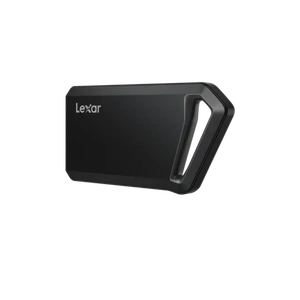
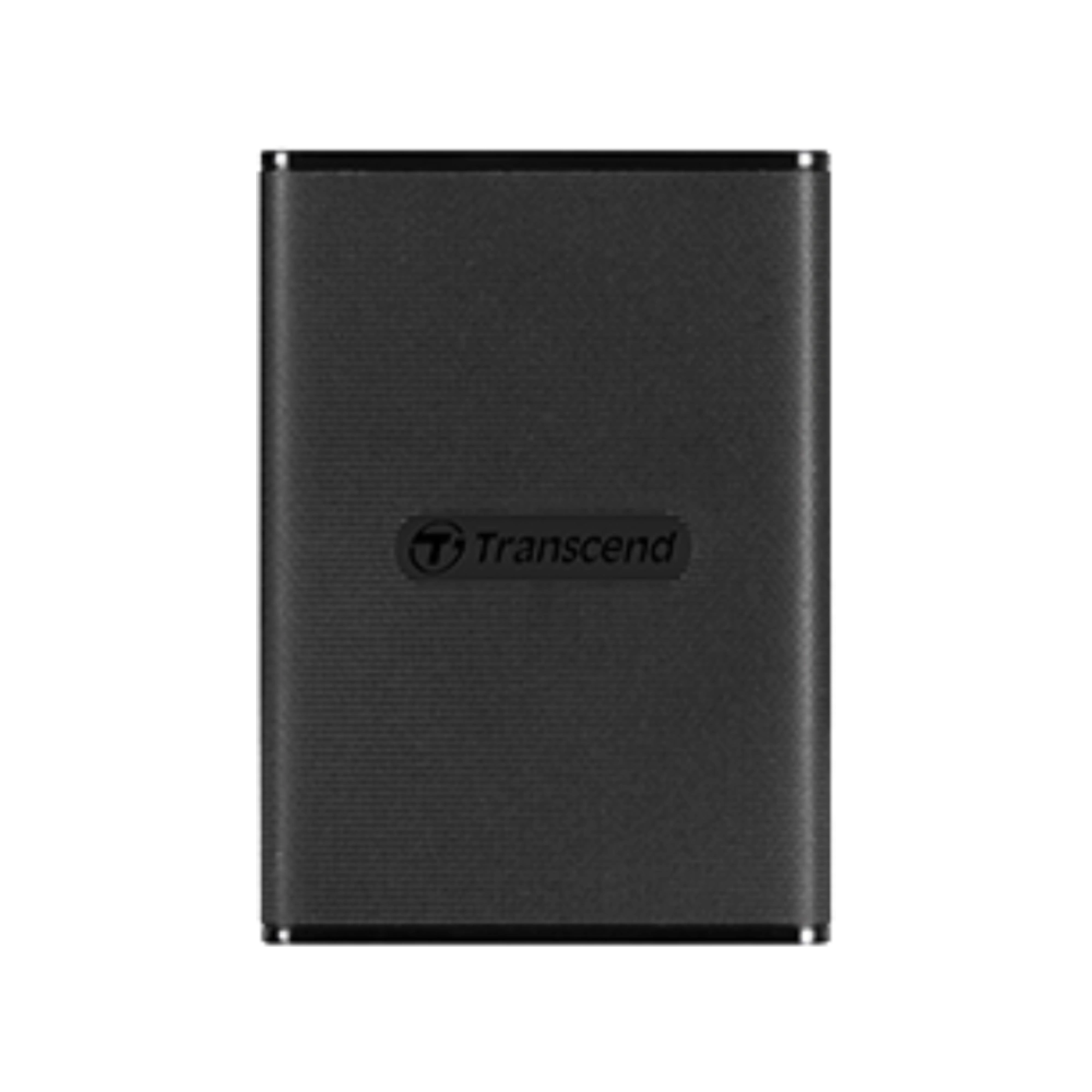
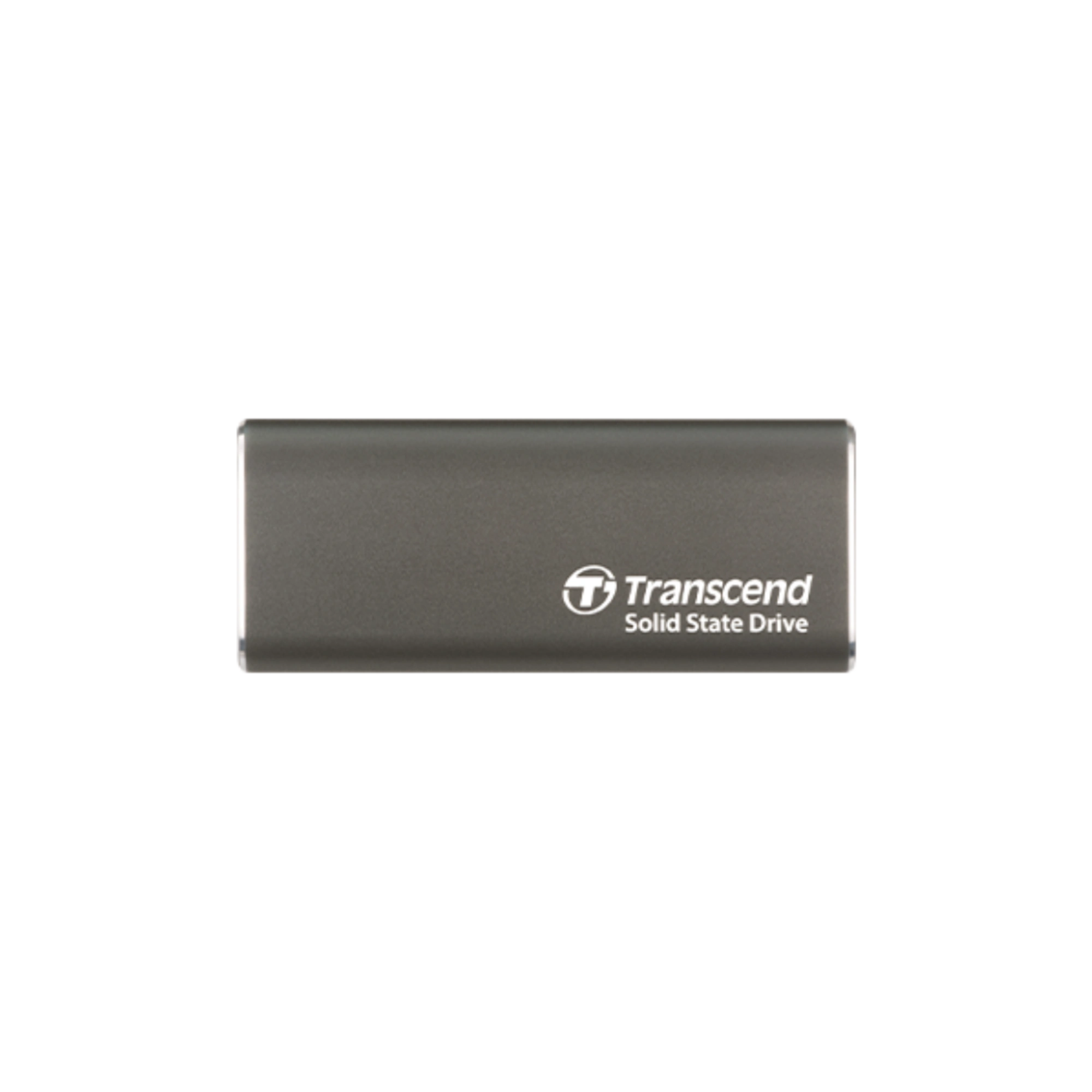
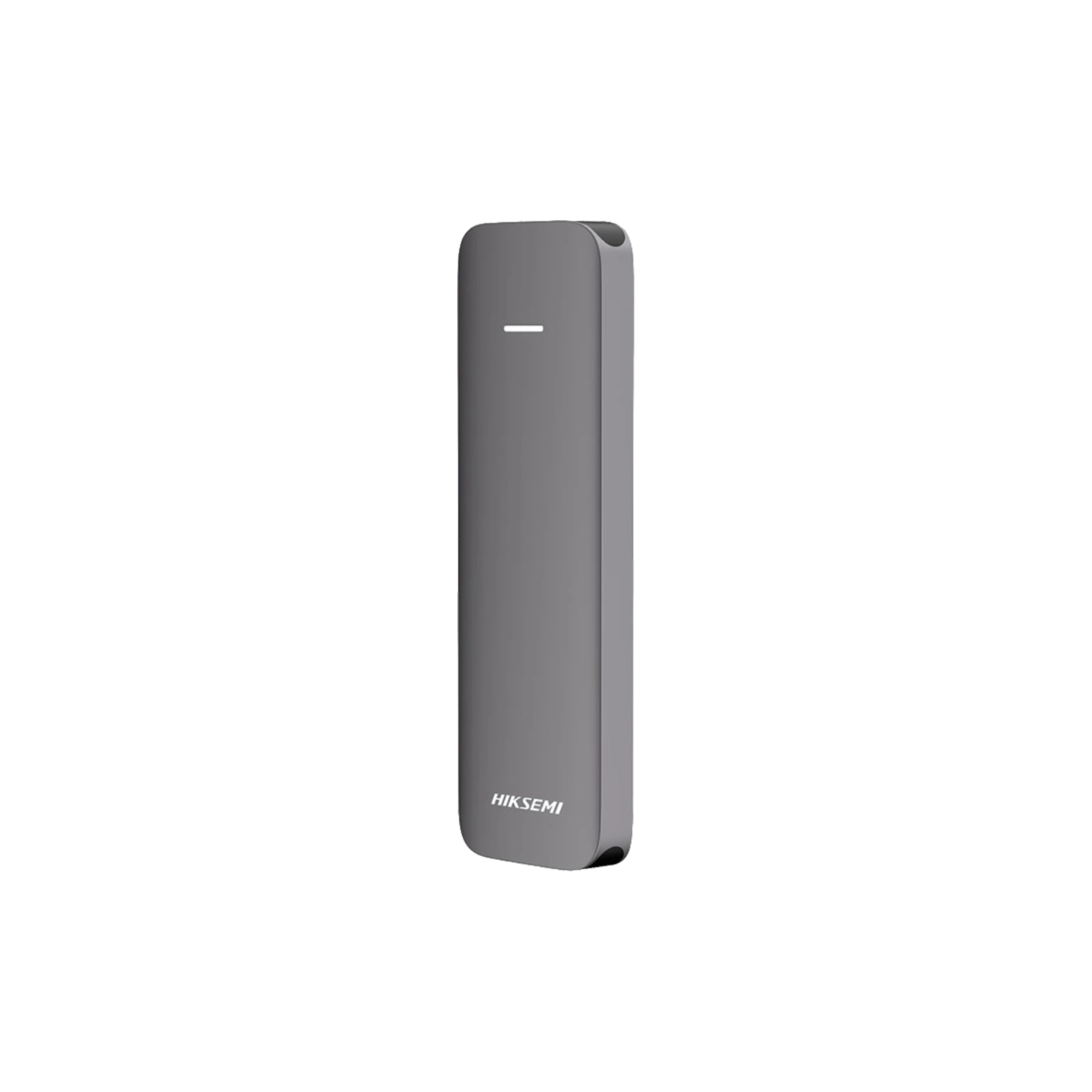
- Portable HDD: External storage for backups and moving large files between devices.
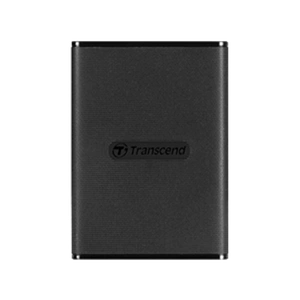
- Portable SSD: Faster external storage than a portable HDD, genuinely useful for anyone who works with large video or design files on the go.
How to Build a PC: Where to Start
Start with your processor and motherboard
Your processor determines what motherboard socket you need, so pick these two together first.
Add RAM and storage
16GB of RAM is a practical minimum for most modern use, and pairing an SSD for your operating system with an HDD for bulk storage gives you both speed and capacity.
Add a graphics card if you need one
Skip this if you only need everyday computing, since many processors include integrated graphics, but it becomes essential for gaming or serious creative work.
Finish with a case, power supply, and cooler
Choose a power supply with enough headroom for your components, a case that fits your motherboard size, and a cooler suited to your processor's heat output.
Why Buy Desktop PC Components from Sumash Tech
- Authentic components from Intel, AMD, Asus, MSI, Corsair, Samsung, Western Digital, and more.
- Official warranty on every product.
- Warranty and after-sales support, with repair and warranty claims handled through our dedicated service wing, Sumash Care.
- Fast delivery across Bangladesh, with showroom pickup also available.
Also check Monitor or Peripherals, or head back to the full Desktop category to compare across every type.
Frequently Asked Questions
- What Desktop PC components does Sumash Tech sell?
Sumash Tech stocks processors, motherboards, RAM, graphics cards, SSDs, HDDs, power supplies, casings, CPU coolers, and both portable HDDs and SSDs for building or upgrading a desktop. - What is the first component I should choose when building a PC?
Start with your processor, since it determines which motherboard socket you need, then build the rest of your components around that pairing. - How much RAM do I need for a new PC build?
16GB is a practical minimum for most modern use, including gaming and everyday multitasking, though 32GB gives more headroom for heavier workloads. - Do I need a separate graphics card?
Only if you plan to game or do graphics intensive creative work. Many processors include integrated graphics that handle everyday computing without a separate card. - What is the difference between SSD and HDD storage?
An SSD is significantly faster, noticeably speeding up boot times and application loading, while an HDD offers more storage capacity for the price, better suited to bulk files and backups. - How do I know what power supply wattage I need?
It depends on your components, particularly your graphics card and processor. As a general guide, a build with a mid-range graphics card typically needs at least 650W, while higher end cards need 750W or more. - Does Sumash Tech offer EMI on PC components?
EMI availability can vary by product. Check the individual product page or contact our team for current financing options. - Where can I get repair or warranty service for my PC components?
Sumash Care, our dedicated service wing, handles repair and warranty claims for components purchased from Sumash Tech.